Your Brand Kit Just Became a Living Layer Inside Claude
Most agency founders have a familiar ritual. Copy brand guidelines from a doc. Paste them into ChatGPT. Tweak the prompt. Hope the output sounds right. Repeat for the next client.
It works. Until it doesn't.
The problem isn't the AI. It's the gap between where your brand lives & where your content gets created. That gap is where brand drift creeps in, where tone shifts between team members, & where revisions pile up.
Today, we're closing that gap.
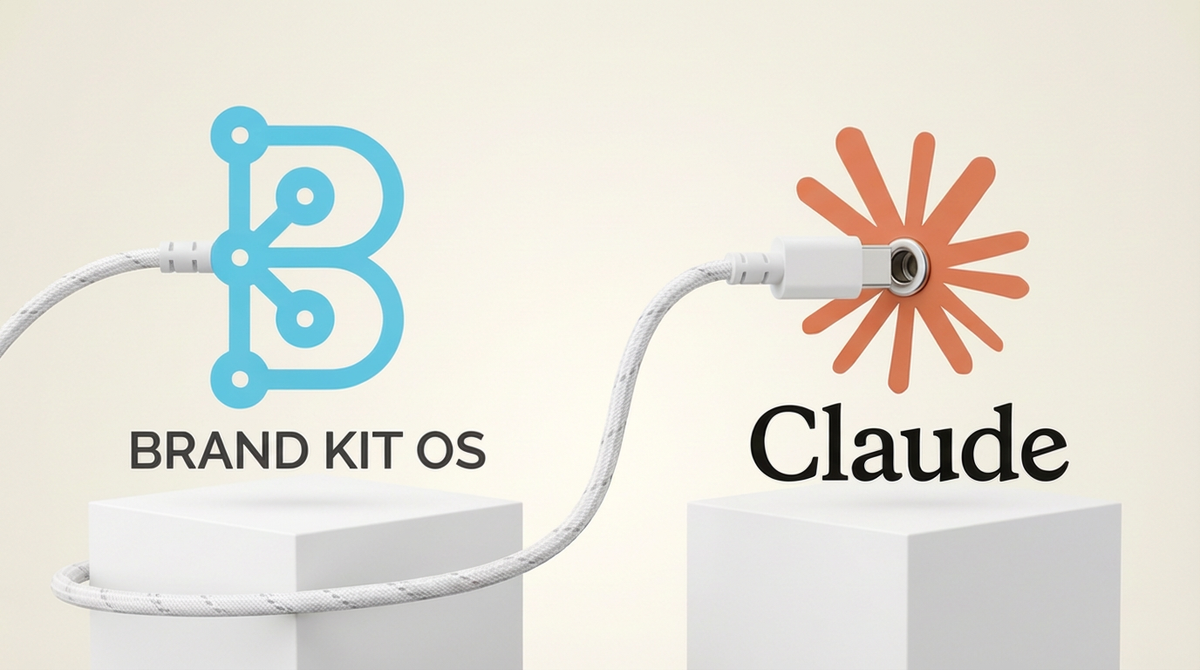
Brand Kit OS Now Connects Directly to Your Claude account via MCP Connector
We just launched our MCP (Model Context Protocol) Server. If you're not familiar with MCP, think of it as a universal adapter that lets AI tools pull real-time context from external sources. In this case, the external source is your brand.
What this means in practice: your Brand Kit OS data now flows directly into tools like Claude, Cursor, Windsurf, & any MCP-compatible platform. No copy-pasting. No re-prompting. No guessing.
Your AI already knows who you are.
Get started with a Free Brand Kit OS account
Why This Matters for Agencies
If you're running a boutique agency, you're probably managing anywhere from 3 to 15 client brands at a time. Each one has its own voice, its own terminology, its own guardrails. Keeping all of that consistent across your team is a full-time job that nobody signed up for.
With the MCP Server, your team can switch between client brands in seconds. The AI tool automatically pulls the right brand context. Tone of voice, preferred terminology, constraints, and audience personas. All of it. Zero-Click.
That means fewer revisions, faster turnaround, & content that actually sounds like the brand it's supposed to represent.
How It Works
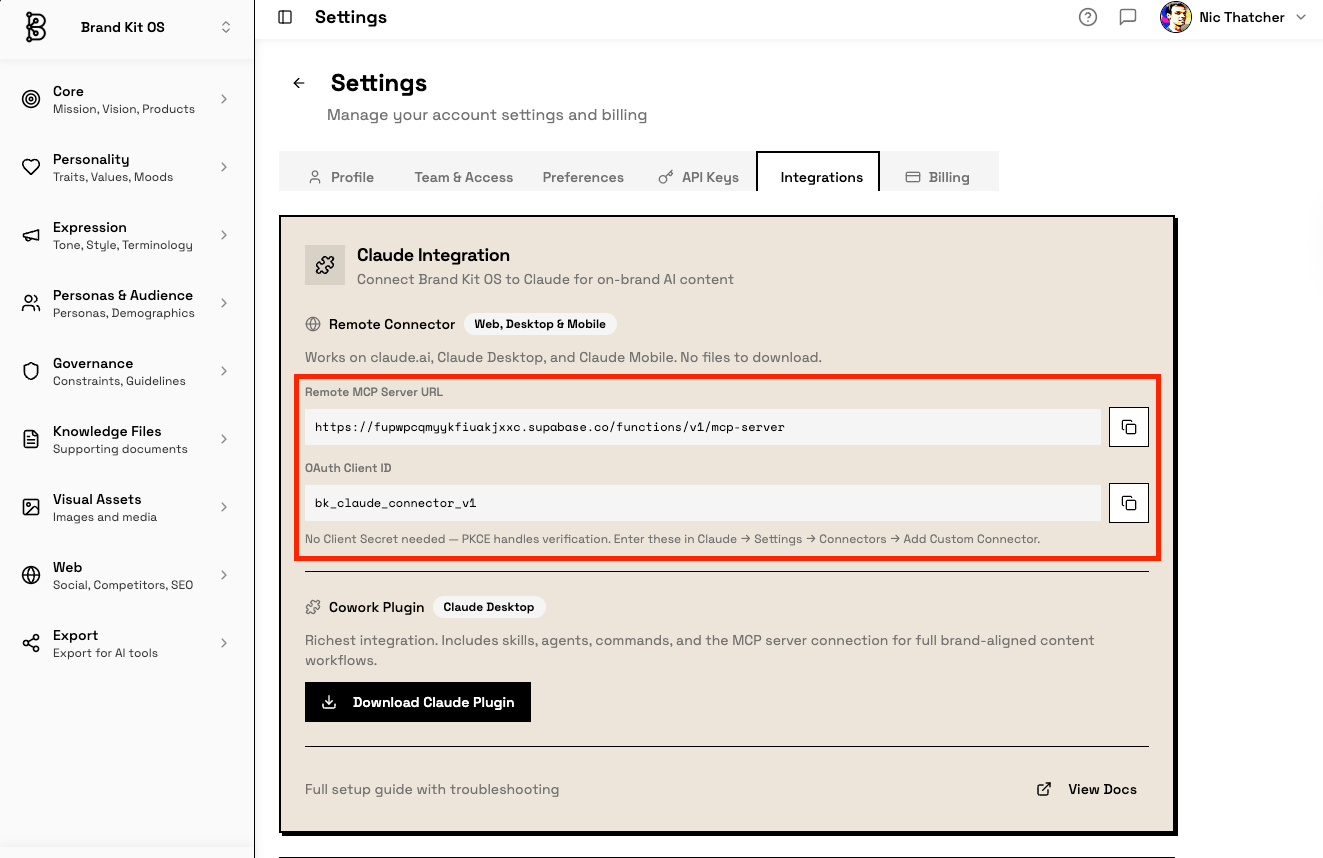
The setup is simple. Connect your Brand Kit OS account to Claude via Claude Connector. The Connector option can be found on the new 'Customize' button. Then, in Brand Kit OS, navigate to Settings -> Integrations -> Claude Integrations. (See banner image for a visual)
You will then copy the Server URL and the OAuth Client ID.
Once connected, the tool can access your brand kits on demand. When you start a conversation or workflow, the AI pulls your brand's expression data, governance rules, & product information in real time.
You don't have to maintain separate prompt libraries for each client. You don't have to train new team members on every brand's quirks. The brand intelligence is just there, structured & ready.
What's Next
This is the first step toward something bigger. We're building Brand Kit OS to be the structured brand intelligence layer that feeds every AI workflow your agency touches. MCP is the bridge.
If y'all have been managing brand consistency through scattered docs & manual prompts, this is your chance to upgrade the system without adding headcount.
NOTE: The MCP Server is available now on all Base & Premium plans. Connect your first brand kit today & see what happens when your AI actually understands your brand.
Learn More by reading our MCP docs: https://brandkitos.com/documentation/how-to/mcp-setup

Get started with a Free Brand Kit OS account