Claude Integration Now Live
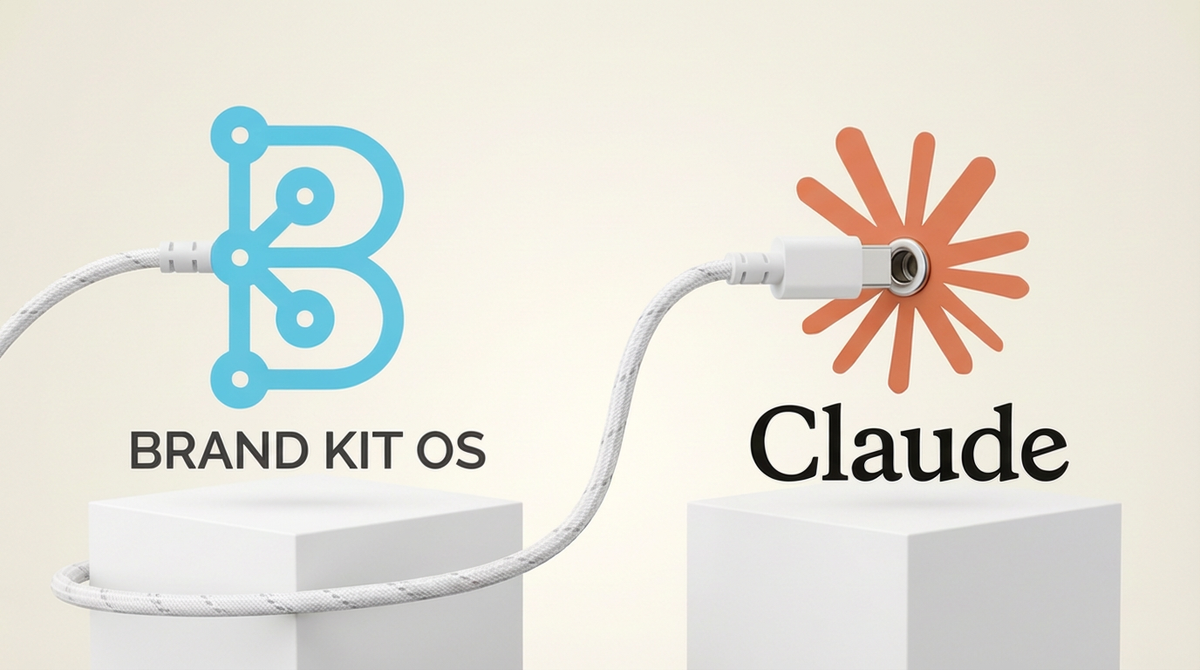
Brand Kit OS is launching the Claude Connector. It is a native integration that connects your brand kit directly to Claude via MCP (Model Context Protocol). Starting today, your tone of voice, preferred terminology, audience personas, governance rules, and product information flow into Claude in real time.
No more copy-pasting brand guidelines into a prompt. No more hoping the output sounds right. Your AI already knows who you are.
|
Static skill files + live data fetches = always current. That's the architecture behind the Claude Connector. |
The Problem We Were Solving
Most agencies manage brand consistency through scattered docs & manual prompts. Someone on your team copies the brand guidelines. Pastes them into Claude. Tweaks the prompt. The next person does it slightly differently. Over time, brand drift sets in.
Whereas a centralized brand system should be the source of truth, piecemeal prompt management means your AI outputs are only as consistent as whoever wrote the last prompt. That gap is where tone shifts between team members & revisions pile up.
We built the Claude Connector to close that gap permanently.
Why Live Brand Data Matters
Here is the technical decision that makes the Claude Connector different from embedding brand data in a static file.
It is tempting to pre-load tone rules, constraints, & voice guidelines directly into a prompt or a skill file so Claude always has them. The problem is staleness. The moment you update a constraint, add a new audience segment, or change your tagline inside Brand Kit OS, any embedded data is wrong. You would need to regenerate & reinstall to get the current information.
The MCP architecture solves this by design. Brand Kit OS acts as a live data source. Claude fetches your brand context on demand, every single time. The result is that every content session runs against your actual, current brand guidelines. Not last week's version. Not a snapshot from when you first set things up.
|
The moment you update your brand voice in Brand Kit OS, Claude knows. No reinstall. No re-prompting. No stale data. |
How It Works
The Claude Connector uses 12 dedicated MCP tools to read your brand kit data on demand. Claude calls only what it needs, when it needs it.
|
Tool |
What It Fetches |
|
get_brand_kit_summary |
Compact brand overview. Name, tagline, tone, & top constraints in under 500 tokens. |
|
get_brand_kit_expression |
Tone of voice, verbal style, voice archetypes, & visual style. |
|
get_brand_kit_governance |
Constraints, taboo topics, compliance notes, & claims to avoid. |
|
get_brand_kit_audience |
Target audience personas with demographics, goals, & pain points. |
|
get_brand_kit_personality |
Personality traits, brand values, & principles. |
|
get_brand_kit_products |
Products, services, features, & differentiators. |
Three Ways to Connect
The Claude Connector ships with three setup methods, depending on how you use Claude.
|
Method |
Best For |
Setup Time |
|
Remote Connector |
Claude Web, Desktop, & Mobile. Widest reach. No installation needed. |
2 minutes |
|
Cowork Plugin |
Claude Desktop. Auto-loads brand context. Includes voice enforcement skills & session startup hook. |
5 minutes |
|
Desktop Extension |
Claude Desktop standard mode. One-click install with secure API key storage in OS keychain. |
3 minutes |
Who This Is Built For
The Claude Connector is built for AI-forward agency founders managing multiple client brands, fractional CMOs switching between client accounts daily, & growth teams who want structured brand intelligence feeding their AI pipelines.
By the same token, it is equally valuable for solo founders who are tired of re-prompting Claude every time they start a new piece of content. If your brand has a voice, this connector enforces it. Automatically.
|
Without the Connector Copy brand doc. Paste into prompt. Tweak. Repeat next session. Brand drift grows with every team member. |
With the Connector Brand context loads automatically. Every team member works against the same live data. Zero-Click. |
Availability & Pricing
The Claude Connector is available now on all Base & Premium Brand Kit OS plans. A Brand Kit OS API key is required. All three connection methods (Remote Connector, Cowork Plugin, & Desktop Extension) are included with your subscription at no additional cost.
Claude Pro, Max, Team, or Enterprise is required to use the Remote Connector. Claude Desktop is required for the Cowork Plugin & Desktop Extension.